SAFO can run in several operation mode, from lowest to highest access level as follows:
-
Offline – to set up and configure SAFO, without the need to access any external resources (1)
-
R/O – Access to external resources is allowed in read-only mode
-
R/W – Read and Write Access to external resources is allowed – but the scheduler is disabled
-
Online – Read/Write Access is allowed and the scheduler is active or in standby (2)
In the main window the access level can be changed by pressing the button labeled “<<” to lower, and the one labeled “>>” to increase the access level, respectively.
-
External resources are currently DIN Relays. Ha7Net Adapters and Temperature files. Except for DIN Relays, all resources are read-only .
-
The Weekday/Time fields in the main window show the actual time (as seen here). In Standby mode “Stby:xxs” is shown instead in the time field, indicating how long it will take to check the standby condition again.
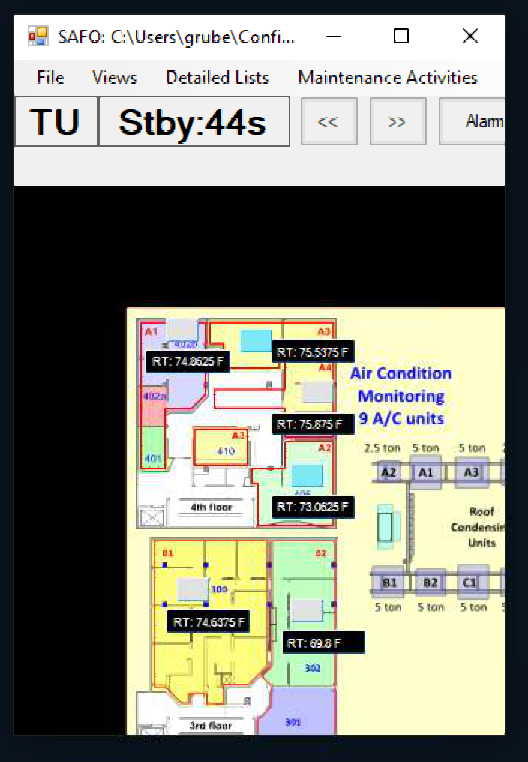
SAFO in standby mode